We are supported by our audience. When you purchase through links on our site, we may earn an affiliate commission, at no extra cost for you. Learn more. Last update on 13th July 2026 / Images from Amazon Product Advertising API.
Choose your first 3D printer by evaluating five key factors: printing technology (FDM offers easier setup while resin provides superior detail), build volume (200-220mm cubes suit most hobbyists), budget ($200-500 for beginners), technical complexity (pre-built units minimize setup versus kit savings of $200-300), and workspace requirements (3m² minimum with proper ventilation). Match material compatibility-PLA for beginners, ABS for strength, TPU for flexibility-with your project goals. The following considerations will help refine your decision further.
Notable Insights
- Determine your budget between $200-$500 for initial purchase, plus $50-$100 for accessories and $20-$50 monthly for filament costs.
- Choose FDM for beginners due to easier setup and less post-processing versus resin printers requiring washing and UV curing.
- Ensure adequate workspace with 3m² area, 2.4m ceiling height, and 50cm clearance around printer for maintenance and ventilation.
- Match build volume to projects: 200-220mm cubes for hobbyist use or 300mm cubes for larger print flexibility.
- Consider maintenance requirements from daily cleaning to monthly inspections, and assess your technical skill level for assembly.
Understanding FDM Vs Resin Printing Technologies
When you’re selecting your first 3D printer, the choice between FDM (Fused Deposition Modeling) and resin printing technologies will fundamentally shape your entire printing experience.
FDM technologies use thermoplastic filaments like PLA and ABS, melting material through heated nozzles to build parts layer by layer. These systems typically offer larger build volumes and superior material durability for functional components.
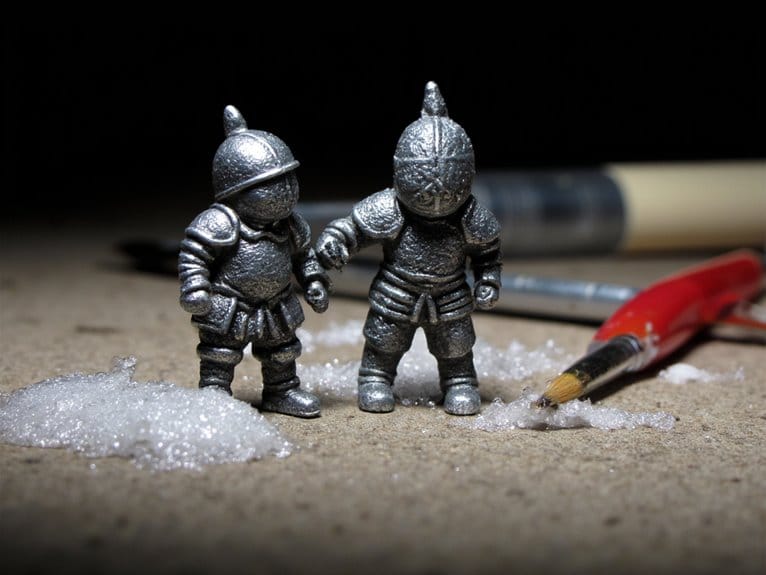
Resin advantages include exceptional print quality with smooth surfaces and intricate detail resolution, making them ideal for miniatures and complex geometries.
However, workflow efficiency favors FDM through faster setup times and minimal post-processing requirements. FDM typically has lower filament costs, offering budget-friendly options for new users. Additionally, resin printing requires washing and UV curing that can add 20-40 minutes to your workflow after each print.
Application suitability depends on your primary needs: choose FDM for prototypes and mechanical parts, or resin for detailed artistic models.
Determining Your Build Volume Requirements
Build volume represents one of your most critical decisions when selecting your first 3D printer, as it defines the maximum printable space available for your projects.
This three-dimensional workspace determines the largest single-piece object you can fabricate without requiring assembly.
For general hobbyist use, a 200mm to 220mm cube typically suffices for most small projects and prototypes.
If you anticipate moderately larger prints, 300mm cubes offer increased flexibility without substantially expanding machine complexity.
Consider your available workspace carefully-larger build volumes demand more physical space and power consumption. When planning your setup, ensure the printer’s footprint stays within reasonable limits for your workspace, as experienced builders recommend keeping total dimensions under control for optimal performance.
Larger build volumes require significantly more desk space and electrical power than compact printer models.
Selecting size involves balancing your design needs against practical constraints.
Smaller volumes often provide better mechanical stability and print accuracy.
Remember that larger prints increase failure risk and processing time, making modest build volumes ideal for beginners developing their skills.
For specialized applications like miniatures, printers with build volumes such as 8.66 x 8.66 x 9.84 inches can accommodate multiple miniatures simultaneously while maintaining detail quality.
Setting a Realistic Budget for Your First Printer
Budget considerations directly impact which printer features and capabilities you’ll access as a beginner, with most successful first-time purchases falling between $200 and $500. Your budget distribution should prioritize print quality and ease of use over advanced features.
Entry-level models under $300 offer the best balance for beginners, while enthusiast-level printers ($500-$2000) provide enhanced build quality and connectivity features. Resin printers achieve superior detail compared to FDM models, making them worth considering even at entry-level budgets.
Consider your complete cost breakdown beyond the initial purchase. Filament consumables add $20-$50 monthly depending on usage. Essential accessories like bed adhesion aids, cleaning supplies, and maintenance kits require an additional $50-$100 budget allocation. Additional costs for proprietary supplies may affect long-term budgeting, making evaluation of customer reviews and ratings crucial for purchase decisions.
Automatic bed leveling becomes available around $250, greatly improving print success rates. Multi-filament capabilities start at $300-$500, justified only if your projects require color variety or material combinations.
Budget-friendly resin printers like the ELEGOO Mars 5 enable high-quality prints without significant financial investment, making resin 3D printing technology more accessible to newcomers exploring detailed miniatures and prototypes. Many resin printers now offer 150mm/h printing speeds that significantly reduce project completion times while maintaining exceptional detail quality.
Evaluating Assembly Options: Kit Vs Pre-Built
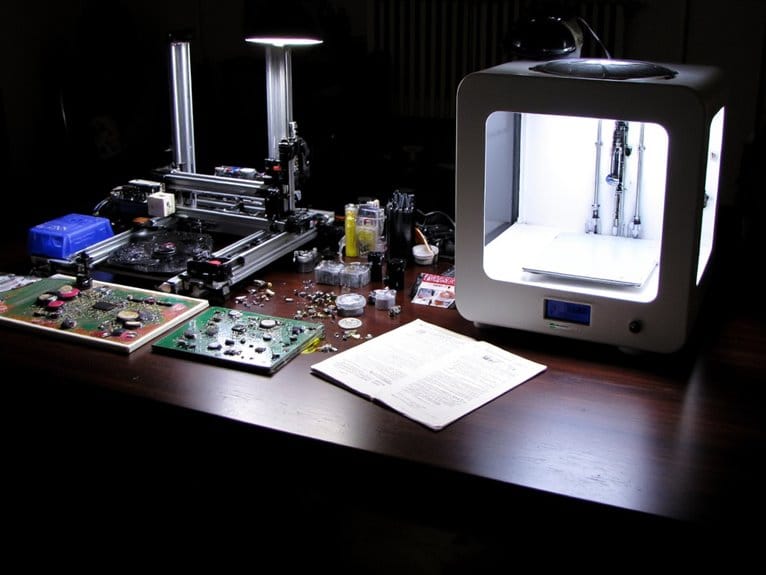
Assembly complexity represents one of the most critical decision points for first-time 3D printer buyers. It directly affects your initial experience and long-term success with the technology.
Kit printers require 8-10 hours of assembly with hundreds of components, demanding mechanical and electrical skills. Assembly challenges include belt tensioning, extruder configuration, and calibration procedures that can frustrate beginners.
Consider these convenience factors when choosing between options:
- Kit printers save $200-300 but require significant time investment and technical knowledge
- Pre-built units offer immediate operation with factory calibration and quality control testing
- Learning opportunity from kits enhances troubleshooting abilities and maintenance understanding
- Risk assessment shows kits carry higher failure rates due to user assembly errors
Pre-built printers minimize setup complexity, making them ideal for users prioritizing convenience over cost savings.
Assessing Maintenance Requirements and Complexity
How much time will you realistically dedicate to keeping your 3D printer running smoothly? Maintenance frequency varies greatly between printer types and usage levels.
Daily tasks include cleaning build plates and removing debris. Weekly maintenance involves checking belt tension and applying lubrication practices to linear rails. Monthly inspections assess component wear on pulleys, lead screws, and extruder gears.
Technical skills required range from basic cleaning techniques to complex firmware updates. Safety precautions include powering down heated components and wearing protective gloves when handling solvents.
You’ll need spare parts inventory including nozzles, belts, and fans for quick replacements. FDM printers generally demand less specialized knowledge than resin models.
Proper maintenance directly impacts printer longevity and print quality consistency.
Choosing Compatible Materials for Your Projects
What materials will actually work with your printer and deliver the results your projects demand? Material selection directly impacts project compatibility and determines your printer’s printing requirements.
Material choices make or break your 3D printing success-compatibility between filament properties and printer capabilities determines project outcomes.
You’ll need to match material properties with your specific applications and hardware capabilities.
Consider these key material categories for beginners:
- PLA – Easy printing, biodegradable, perfect for decorative items and concept models
- PETG – Chemical resistant, combines PLA’s ease with ABS strength for mechanical parts
- ABS – Heat resistant, requires heated bed and ventilation for functional prototypes
- TPU – Flexible material for impact-resistant parts, needs direct drive extruders
Your printer’s heated bed capability, maximum nozzle temperature, and ventilation system determine which materials you can actually use.
Match your project’s strength, flexibility, and environmental requirements with compatible material properties.
Look for filaments with dimensional accuracy of +/- 0.02mm to ensure consistent, high-quality prints and reliable performance across different printer models.
Proper vacuum-sealed packaging with desiccant protection helps maintain filament quality and prevents moisture absorption that can compromise print results.
For resin printers, water washable resins eliminate the need for isopropyl alcohol cleanup and simplify post-processing for beginners.
Balancing Print Speed With Quality Expectations
Since finding your ideal 3D printer means understanding the fundamental trade-off between speed and quality, you’ll need to master how different settings affect your output.
Print quality directly correlates with layer height choices-0.05mm layers deliver exceptional detail resolution but dramatically increase print times, while 0.2mm layers sacrifice surface finish for faster completion.
Speed optimization involves balancing nozzle size with material compatibility requirements. Larger nozzles enable faster extrusion but reduce fine detail capabilities.
Your firmware settings control printhead movement speeds, with most PLA prints maintaining quality around 50-60mm/s. Exceeding these speeds causes structural defects and dimensional inaccuracies.
Different materials impose specific speed constraints-TPU requires slower speeds than PLA due to its flexible properties. Strategic adjustment of acceleration, jerk settings, and adaptive layers through your slicer software smooths motion while maintaining both speed and surface finish quality.
Considering Your Available Workspace and Ventilation
Where you’ll place your 3D printer determines both your printing success and personal safety. Proper workspace measurements require minimum 3 m² floor space with 2.4-meter ceiling height. You’ll need 50 cm clearance around all sides for maintenance access and heat dissipation.
Ventilation systems become critical when printing with resins or certain filaments that emit volatile organic compounds. Even PLA produces ultrafine particles requiring airflow management. Position your printer near windows or exhaust vents for natural air circulation.
Essential workspace requirements include:
- Electrical setup: Two dedicated 230V outlets with B16A fuse protection
- Flooring: Level, anti-static surface preventing vibration interference
- Storage space: Separate areas for filaments, tools, and post-processing activities
- Safety zones: Distance from flammable materials and high-traffic areas
Consider HEPA filtration systems for enclosed spaces to maintain air quality standards.
Researching Software Support and User Interface
How effectively your 3D printer performs depends largely on the software that controls it, making slicer selection as essential as hardware choice.
Software compatibility determines whether your printer can communicate properly with slicing programs like PrusaSlicer, Cura, or Simplify3D.
Check firmware compatibility with Marlin or Klipper systems before purchasing.
The user interface considerably impacts your printing experience.
Beginners should prioritize intuitive layouts found in Cura or TinkerCAD, which minimize overwhelming advanced options.
These platforms offer clean dashboards and guided modes for gradual learning.
Professional users often require detailed control panels like those in Simplify3D or Fusion 360, featuring customizable supports and advanced parameter adjustment.
Consider cross-platform availability across Windows, macOS, and Linux.
Open-source software provides extensive community support and frequent updates, while proprietary options offer polished interfaces but require licensing fees.
Identifying Your Primary Use Cases and Applications
Before selecting any 3D printer, you’ll need to define your specific printing goals since different applications demand vastly different machine capabilities, materials, and precision levels.
Your application areas determine essential specifications. Healthcare innovations require biocompatible materials and micron-level precision for prosthetics and dental devices. Industry needs focus on functional end-parts with specific material choices like carbon fiber composites or metal alloys. Educational tools emphasize reliability and safety features over advanced capabilities.
Consider these primary use categories:
- Rapid prototyping benefits – Design iteration and testing requirements
- Customization options – Patient-specific medical devices or bespoke consumer products
- Product diversification – Small-batch manufacturing for niche markets
- Environmental impact – On-demand production reducing waste and inventory
Different printers excel in specific domains. Resin printers deliver fine detail for jewelry and miniatures, while FDM machines handle larger functional parts and offer broader material compatibility.
On a final note
You’re now equipped to make an informed decision about your first 3D printer. Consider your budget constraints, workspace limitations, and intended applications. FDM printers offer versatility for beginners, while resin printers excel at detailed miniatures. Don’t compromise on build volume if you’ll need larger prints. Factor in ongoing costs like filament, resin, and replacement parts. Choose kit assembly if you’re comfortable with technical challenges, or pre-built units for immediate operation.