We are supported by our audience. When you purchase through links on our site, we may earn an affiliate commission, at no extra cost for you. Learn more. Last update on 5th June 2026 / Images from Amazon Product Advertising API.
Hero Forge is a web-based platform launched in 2014 that lets you design custom 3D printed miniatures for tabletop gaming without requiring 3D modeling skills. You can customize six primary elements: species, head, body, clothing, gear, and base stage using modular components like extra arms, wings, and prosthetics. You’ll choose between purchasing shipped physical miniatures ($29.99-$44.99) or downloadable STL files ($3.99-$10) for home printing. Understanding these options reveals significant cost savings and creative possibilities.
Notable Insights
- Hero Forge is a web-based platform launched in 2014 for creating custom miniatures for tabletop gaming.
- Users can design personalized characters without 3D modeling skills using fantasy and sci-fi templates with extensive customization options.
- The platform offers six primary customization elements: species, head, body, clothing, gear, and base stage with modular additions.
- Customers can purchase physical shipped miniatures ($29.99-$44.99) or downloadable STL files ($10) for home 3D printing.
- Home printing with STL files costs approximately $4-5 per miniature compared to significantly higher commercial alternatives.
Understanding the Hero Forge Platform and Its Purpose
Since its 2014 launch, Hero Forge has revolutionized custom miniature creation for tabletop role-playing games through its web-based design platform.
You’ll access an intuitive interface that transforms digital creativity into physical collectible production without requiring 3D modeling expertise.
The platform addresses gaming immersion by enabling you to craft miniatures that precisely represent your character’s unique appearance.
You can select from expanding libraries of fantasy and sci-fi templates, including various species beyond traditional humanoids.
Hero Forge’s modular design system lets you combine components in countless ways.
You’ll benefit from creative expression through step-by-step customization tools that guide miniature creation.
The service overcomes generic miniature limitations while supporting both 3D printing files and digital assets for virtual tabletop software integration. The platform offers community-created content that showcases user designs and promotes collaborative creativity among tabletop gaming enthusiasts. The miniatures are produced at 30 mm-to-scale on a 1-inch base for compatibility with classic maps.
Character Customization Options and Modular Design System
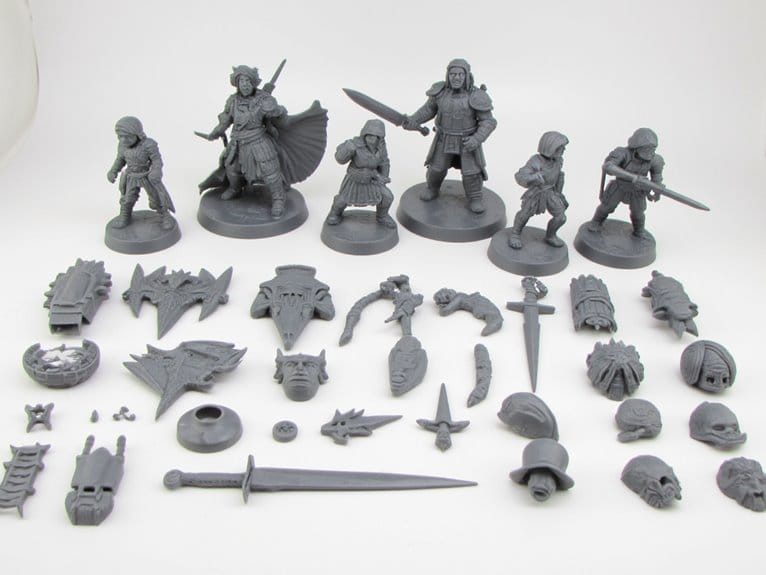
While Hero Forge’s interface appears simple on the surface, its character customization system offers six primary elements that transform basic templates into personalized miniatures: species, head, body, clothing, gear, and base stage.
You’ll find system-agnostic fantasy races with two body types each, expanding beyond standard D&D options. The modular design enables non-standard additions like extra arms, wings, tails, and prosthetics.
Advanced customization techniques include detailed sliders for individual body parts-legs, arms, neck, torso, and fingers. You can adjust ankle and wrist sizes independently, preventing unnatural bulk. Multiple rotation points allow precise positioning of flexible features like hair or tails for enhanced realism.
Face customization covers eyebrows, teeth, lip shapes, and eye positioning. Clothing supports three-layer systems with under, over, and neck components.
Gear selection features searchable inventories with left-hand, right-hand, or two-handed equipment options for complete pose flexibility.
Purchasing Options: Shipped Miniatures Vs STL Files
After customizing your miniature, you’ll face a key purchasing decision: ordering a shipped physical miniature or downloading STL files for personal printing.
Shipped miniatures arrive as finished, fully assembled models with premium materials optimized for durability. Hero Forge’s studio printing techniques produce crisp 28mm details with minimal layer lines and professional finishing. However, you’ll pay shipping costs and wait days to weeks for delivery.
STL files cost $10 each with immediate download access, letting you control printing techniques and materials based on your design preferences. Consider these key factors:
- Budget: STL files eliminate shipping fees but require printer access.
- Quality control: Home printing results vary by equipment and settings.
- Convenience: Shipped minis offer hassle-free delivery versus hands-on post-processing.
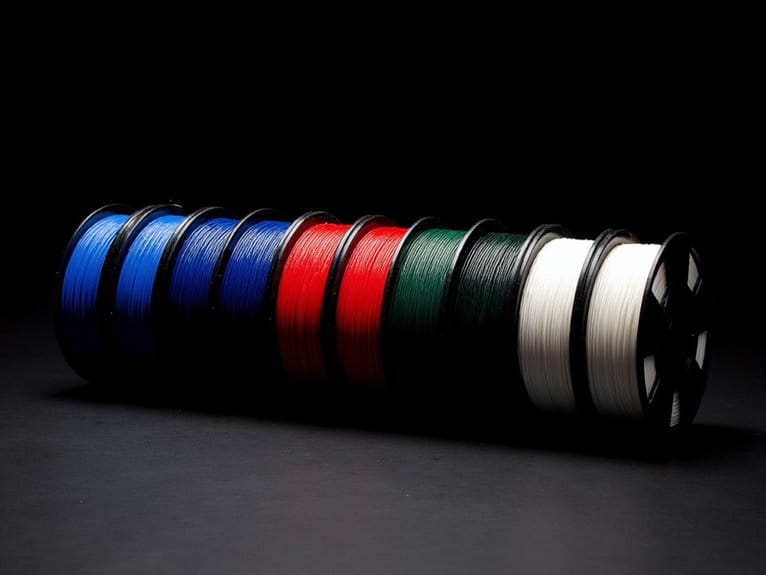
Resin prints provide finer detail but create fragile models compared to Hero Forge’s durable factory plastics. Post-processing for resin printers involves support removal and UV curing to achieve the final polished appearance. For optimal miniature detail when printing at home, recommended layer heights for miniatures range between 0.05mm and 0.1mm to achieve professional-quality results. For home printing, large build volumes enable batch printing of multiple miniatures simultaneously, maximizing efficiency for wargaming enthusiasts who need entire armies. Quality filaments with ±0.02mm accuracy ensure precise dimensional control for intricate miniature details and proper assembly fit.
3D Printing Hero Forge Miniatures at Home
Once you’ve downloaded your Hero Forge STL files, you’ll need proper preparation and equipment to achieve professional-quality results at home. Resin printers like the Anycubic Photon or Elegoo Mars deliver superior detail quality compared to FDM printers. These SLA/DLP systems handle design intricacies and fine features that define Hero Forge miniatures.
| Printer Type | Detail Quality | Miniature Scaling Support |
|---|---|---|
| Resin (SLA/DLP) | Excellent | 28mm-32mm ideal |
| FDM | Good with tuning | Requires higher resolution |
| Desktop SLA | Professional | Full range compatibility |
Proper orientation in slicing software like ChiTuBox minimizes support material while maintaining structural integrity. Generate supports carefully for complex poses and small details. Check files for mesh errors before printing to prevent failures and enhance your final results. For optimal miniature detail, select resins with ±0.1mm accuracy and low shrinkage rates to maintain the precise features that Hero Forge designs are known for. For easier cleanup during post-processing, consider using water washable resin which eliminates the need for isopropyl alcohol while maintaining high-quality prints. For consistent miniature production, printers with automatic bed leveling technology significantly improve first-layer adhesion and overall print reliability.
Material Costs and Pricing Breakdown
You’ll face a significant price difference when choosing between Hero Forge’s STL files and their shipped miniatures. STL files cost just $3.99 during sales compared to $29.99-$44.99 for printed miniatures, but this upfront savings doesn’t tell the complete economic story.
Understanding the true material costs and hidden expenses of home printing versus ordering finished products will help you make the most cost-effective decision for your miniature needs.
STL Vs Shipped Pricing
When comparing Hero Forge’s STL files to their shipped physical miniatures, the pricing difference reflects distinct value propositions and cost structures. STL files typically cost around $5, while physical miniatures reach $30 due to production efficiency requirements and shipping costs.
Here’s how the pricing strategy breaks down:
- Digital convenience – STL file benefits include instant delivery and unlimited printing capabilities.
- Production costs – Physical miniatures include material expenses, labor, packaging, and logistics.
- Quality comparison – Shipped products offer professional finishing versus variable onsite printing results.
Your buyer preferences determine best value. STL files appeal to DIY enthusiasts with 3D printers, shifting production responsibility to you.
Physical miniatures provide convenience but higher costs. Market trends show growing STL popularity among tech-savvy customers seeking customization levels without shipping delays.
Home Printing Economics
Three primary cost factors determine the economics of printing Hero Forge miniatures at home: digital file pricing, material consumption, and supporting equipment expenses.
You’ll pay approximately $10 per STL file, though subscriptions reduce this to $4 per model for frequent users.
Material costs remain remarkably low. Each miniature consumes roughly 3.1 grams of resin. With ABS-like resin priced at $38.40 per kilogram, your material cost per figure is just $0.12.
Different resin types affect both cost and quality outcomes.
However, effective cost management requires accounting for hidden expenses. Post-processing supplies like isopropyl alcohol, UV curing equipment, and safety gear add recurring costs.
Print failures waste material and time.
Your total per-miniature cost typically ranges from $4-$5, considerably less than $40 commercial alternatives.
Resin Printing Requirements and Support Generation
When you download Hero Forge STL files, you’ll receive unsupported models that require manual support placement before printing on your resin printer.
You must strategically position supports to maintain structural integrity during the inverted printing process while minimizing visible surface blemishes on detailed areas like armor straps and weapon details.
Your resin printer setup demands careful orientation planning since Hero Forge miniatures print bottom-up, making support placement critical for preventing print failures and resin pooling in hollow base sections.
Manual Support Placement
Moving beyond automatic support generation, manual placement gives you precise control over where supports contact your Hero Forge miniature and how they’ll affect the final surface quality. This approach requires more time but delivers superior print stability and cleaner surfaces.
Angle your miniature 30-45 degrees from the build plate to optimize support efficiency. Manual placement lets you protect fragile elements like weapon handles and thin limbs without over-supporting the model. Use heavy supports at anchor points and lighter ones in less critical areas.
Strategic placement reduces total support volume, limiting resin use and post-processing time. You’ll avoid placing support structures on fine details that could cause stress points or breakage.
This precision minimizes sanding and filing needed, preserving intricate details for painting.
Resin Printer Setup
Resin printer selection sets the foundation for successful Hero Forge miniature printing. Popular models include Anycubic Photon, Elegoo Mars, and Phrozen Sonic Mini systems. These printers deliver the precision required for detailed miniature features.
Your resin selection strategies should prioritize ABS-like grey resins for peak detail fidelity and durability. Layer height adjustment typically ranges between 0.03-0.07mm, balancing print quality with reasonable production times.
Essential setup parameters include:
- Exposure calibration – Adjust cure times based on your specific resin type and model complexity.
- Build plate leveling – Confirm proper first-layer adhesion for consistent results.
- Ventilation requirements – Install adequate airflow systems for safe resin handling.
Proper printer calibration greatly impacts final miniature quality.
You’ll consume approximately 3.1g of resin per standard Hero Forge model, depending on design complexity and internal geometry.
Common Printing Challenges and Solutions
When printing Hero Forge miniatures, you’ll encounter several technical challenges that can make or break your final result. Support structure placement proves most essential for overhangs like weapons and hair. Auto-generated supports often miss important areas, requiring manual adjustments to prevent failures.
These 3D printing strategies demand careful consideration of support removal scars on detailed surfaces. Base design complications arise with hollow sections that trap uncured resin during printing. Non-solid bases complicate orientation and increase warping risks. Simple, flat bases improve reliability notably.
Resolution settings require balancing detail preservation with print time. Use 0.02mm layer heights for player characters where model detailing techniques matter most. STL files frequently contain mesh errors requiring validation before slicing.
Manual support inspection guarantees complete coverage of small protrusions that automated systems miss. After printing and cleaning your miniatures, proper paint preparation becomes crucial, and vortex mixers can achieve thorough blending of acrylics and metallics in just 3-15 seconds for consistent results.
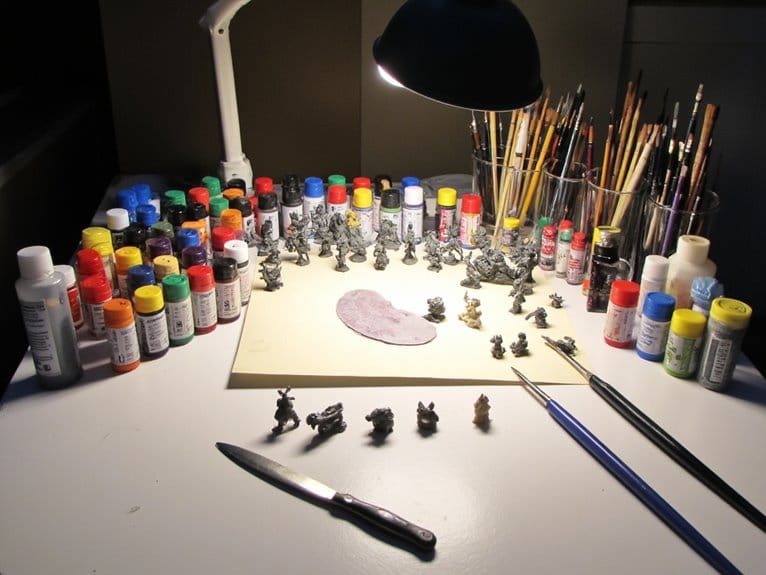
Miniature Painting Techniques
While Hero Forge’s design tools enable precise miniature customization, achieving professional paint results requires understanding the unique properties of 3D printed materials and adapting traditional painting techniques accordingly.
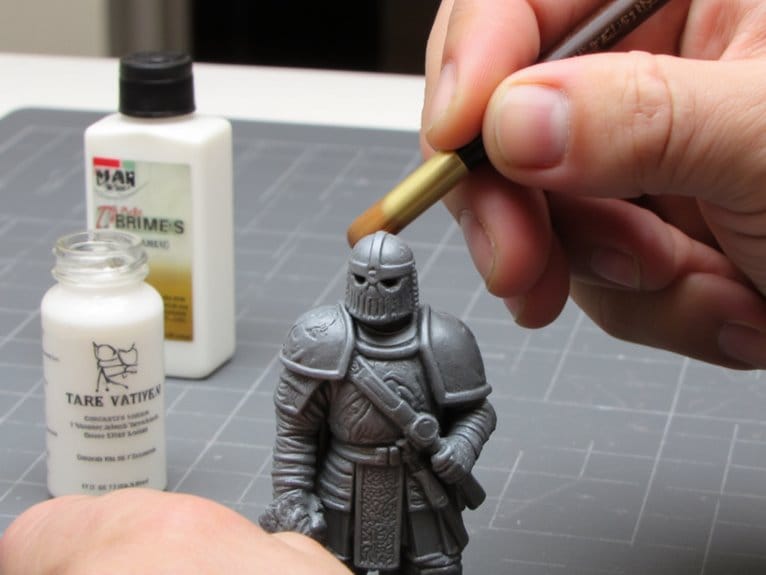
Ultra Detail Plastic’s porous surface demands proper primer application before paint adhesion. You’ll need miniature paint primer for Strong Plastic prints that absorb paint rapidly. Miniature layering techniques work best with multiple thin coats-start with diluted base colors, then apply pure color highlights for depth.
Ink wash application requires modification on textured 3D prints. Unlike smooth injection-molded miniatures, Hero Forge’s frosted texture affects how inks flow into recesses. Use black or brown washes sparingly after base coating to enhance contrast.
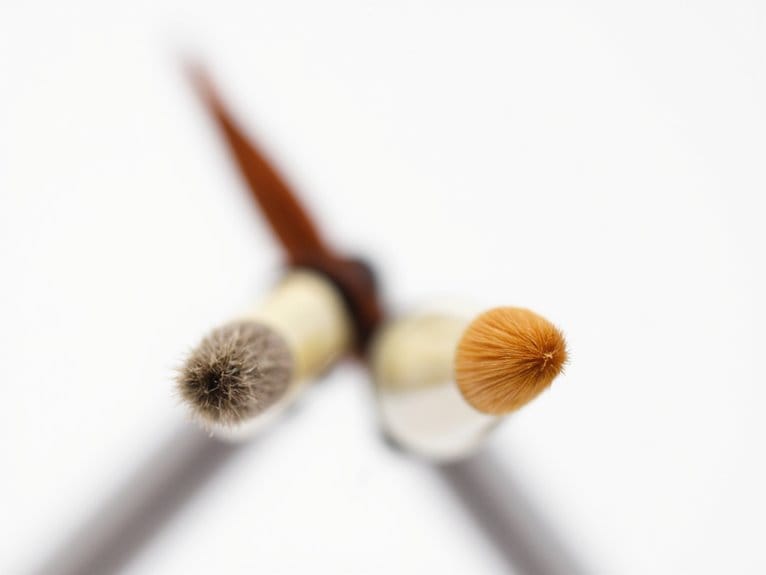
Dry brushing highlights raised armor details effectively. Maintain separate water vessels for metallic and standard paints to prevent contamination.
Control paint consistency carefully-thicker applications suit hair textures while thin coats create translucent flame effects. Paint agitators provide quick mixing cycles that ensure consistent color results, especially beneficial when working with settled acrylic paints on detailed miniatures. For assembly work before or after painting, cyanoacrylate adhesives offer quick bonding that’s ideal for attaching small components without disrupting completed paint work. Acrylic-based primers provide superior adhesion on both plastic and metal surfaces while offering durability under gaming conditions. High-pigment formulas deliver vibrant colors that bring your miniature’s details to life with fewer coats required.
Technical Considerations for Beginners
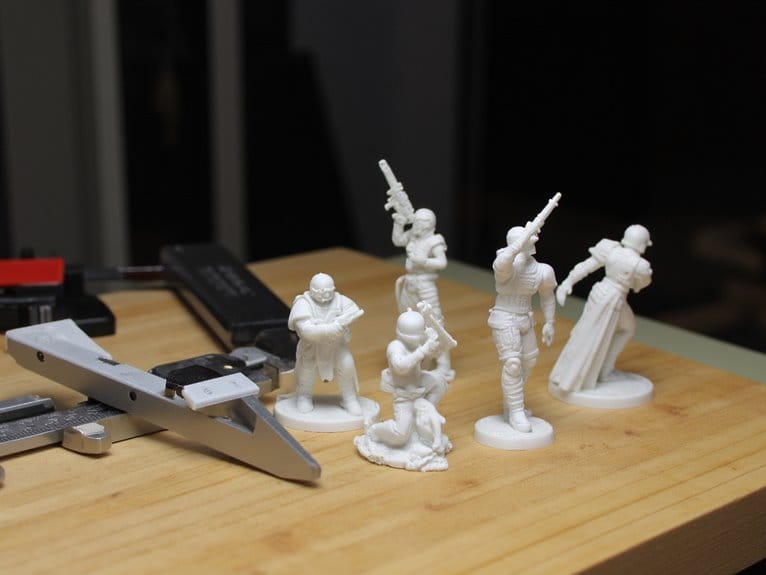
Getting started with Hero Forge miniatures requires understanding several technical fundamentals that’ll determine your success with both digital design and physical printing.
You’ll need to master specific design considerations and handling tips before creating your first miniature. Essential technical requirements include:
- File Format Knowledge – STL files need validation and mesh error correction using specialized software tools before printing.
- Material Selection – Choose between standard plastic, ultra-detail plastic, or bronze based on your budget and detail requirements.
- Printer Compatibility – Resin-based printers produce superior results for Hero Forge models compared to filament alternatives.
Start with simple designs to minimize failure rates.
Download models require slicing software preparation, typically Photon Slicer with auto-fix functions. For capturing intricate details in miniatures, aim for a layer resolution of 50 microns or lower to ensure professional-grade output quality.
Understanding these fundamentals prevents common printing issues and guarantees successful miniature creation from your first attempt. For optimal results with filament-based systems, maintain print temperatures between 200-230°C for dimensional accuracy when working with PLA materials. Proper bed adhesion is crucial for preventing warping during the printing process, especially when working with detailed miniature features.
On a final note
You’ve now got the complete picture of Hero Forge’s capabilities and limitations. Whether you’re ordering pre-printed miniatures or downloading STL files for home printing, you’ll need to balance cost against quality requirements. Start with simpler designs if you’re new to 3D printing. The platform’s extensive customization options make it worthwhile for serious tabletop gamers, but success depends on understanding your printer’s specifications and material properties.